Since yesterday, under the portfolio total
· By Talu
The most visible change in the web app (version 1.9.213) is a line under the portfolio total. It reads since yesterday: the variation in percent, and the sync state of your sources. In French that line says depuis hier. The captures below are the French interface. Amounts and addresses are hidden.
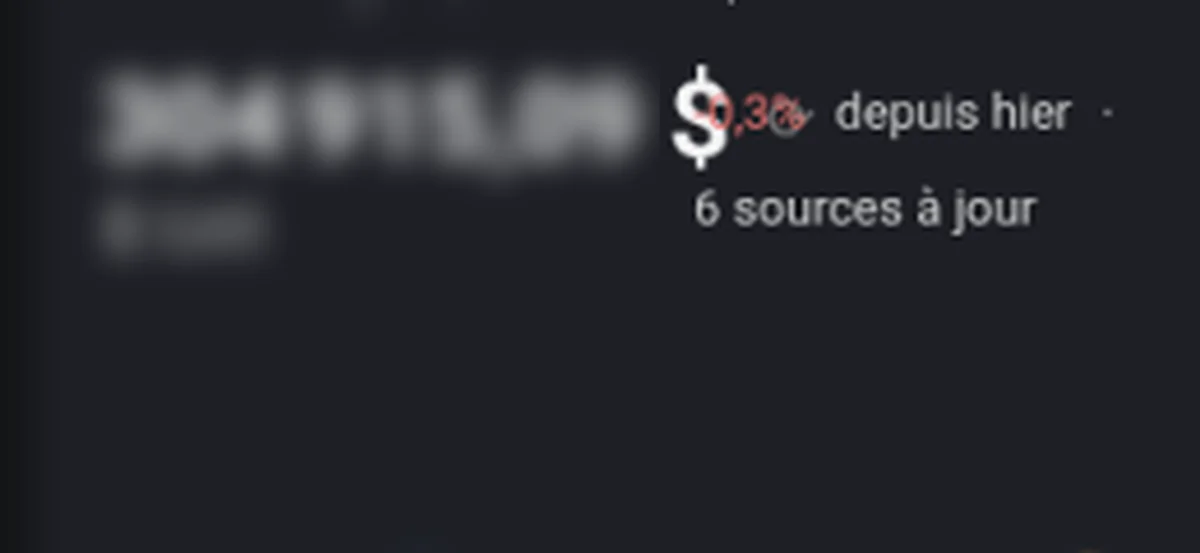
Since yesterday, under the total
On Portfolio, the total is still the figure at the top. Under it, the percent is how that total moved since yesterday. The next line is the sync state of the sources, so you can see both the move and whether the numbers are up to date.
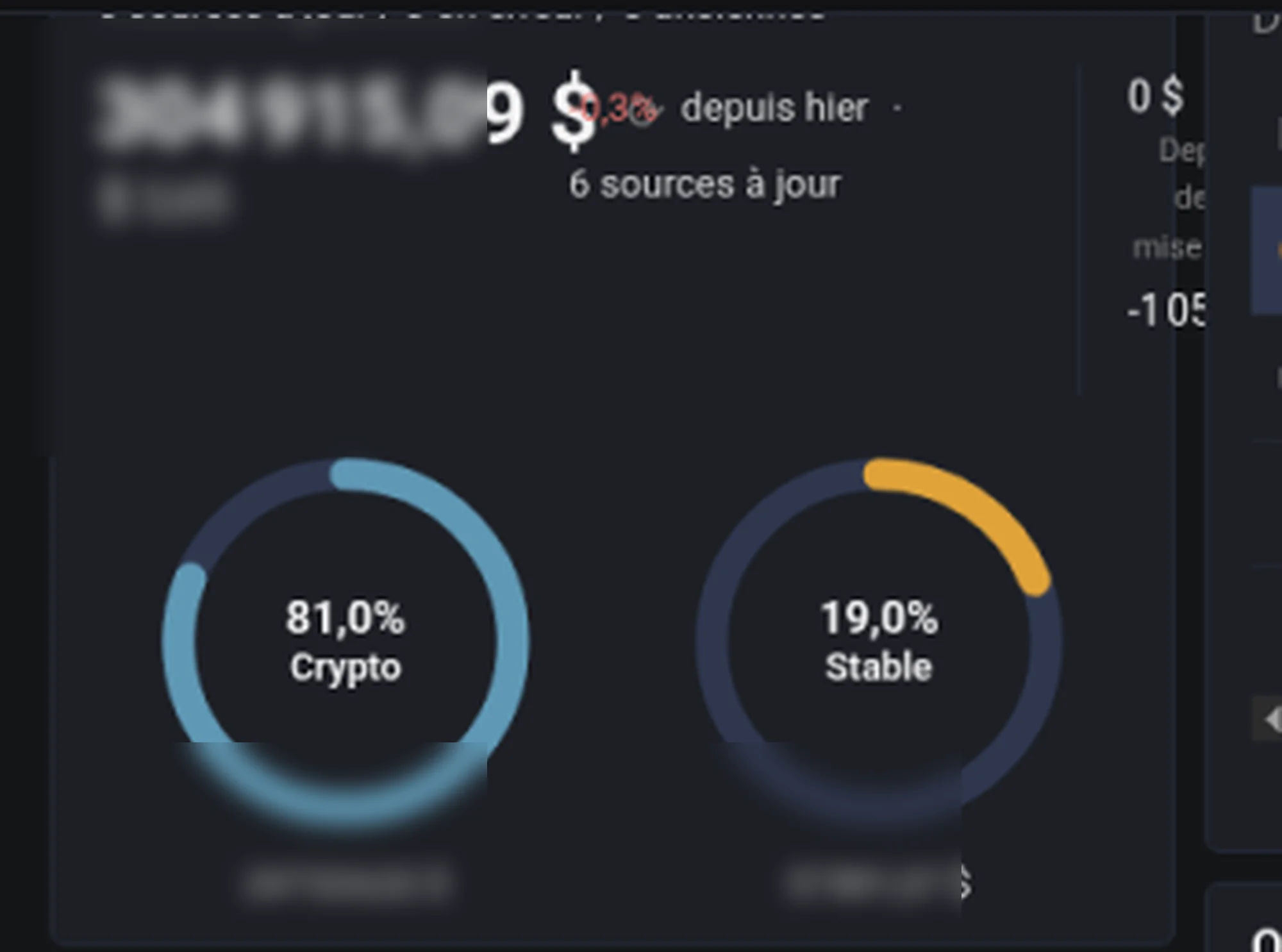
The total stays while sources refresh
A refresh no longer replaces the total with a loading skeleton. The skeleton appears only the first time a portfolio loads, or when you switch to another one. After that, the total stays on screen while the sources update.
Wallets: Read now, then a summary
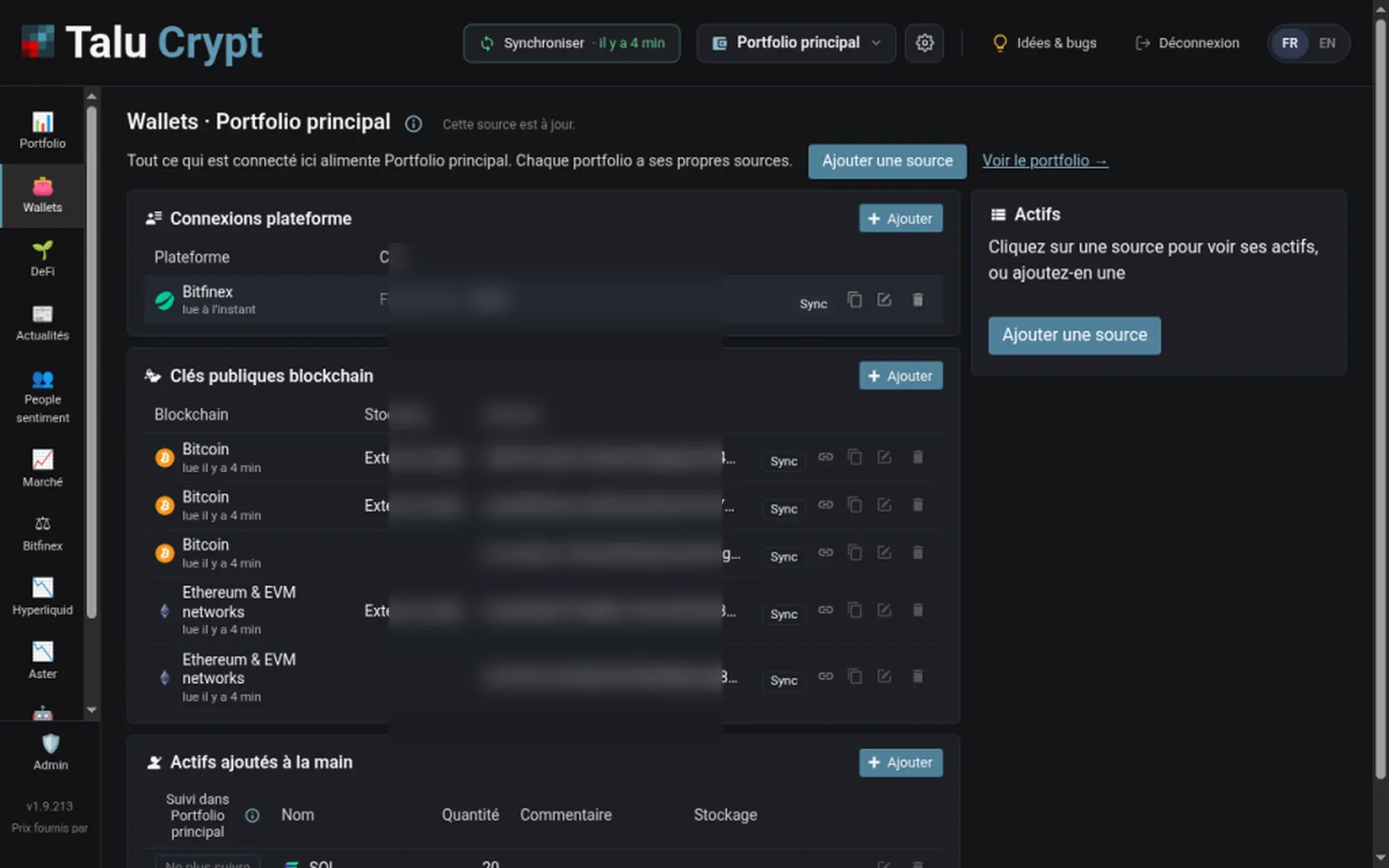
On Wallets, a source that is stale, or that has never been synced, has its own Read now. You can refresh that one source without syncing every other.
When the Assets column is empty, the copy explains it and offers Add source, instead of a blank cell. In French that reads « Cliquez sur une source pour voir ses actifs, ou ajoutez-en une », with Ajouter une source.
A source that was just read shows how long ago. When the read succeeded, the screen says the source is up to date (« Cette source est à jour »).
When a sync finishes, a summary says how many sources are OK and which failed, with a Retry. In French the summary reads like « Sync terminée : n OK… ». When the app is in French, these Wallets messages are in French, not English technical toasts.
News does not stay empty
The News tab no longer ends on a blank page. That part shipped in version 1.9.215. If the view limited to your own assets has no hits, it falls back to the general feed. When there is nothing to show, a clear message says so.